
How to create a personal website
Looking to design and develop your personal website, and not sure which platform to go for? You’re in the right place. After working with more than 300 clients, I hear the same questions at the start of almost every project. This guide answers them one by one: where to start, what it costs, how to keep it updated yourself and how to help people find you.

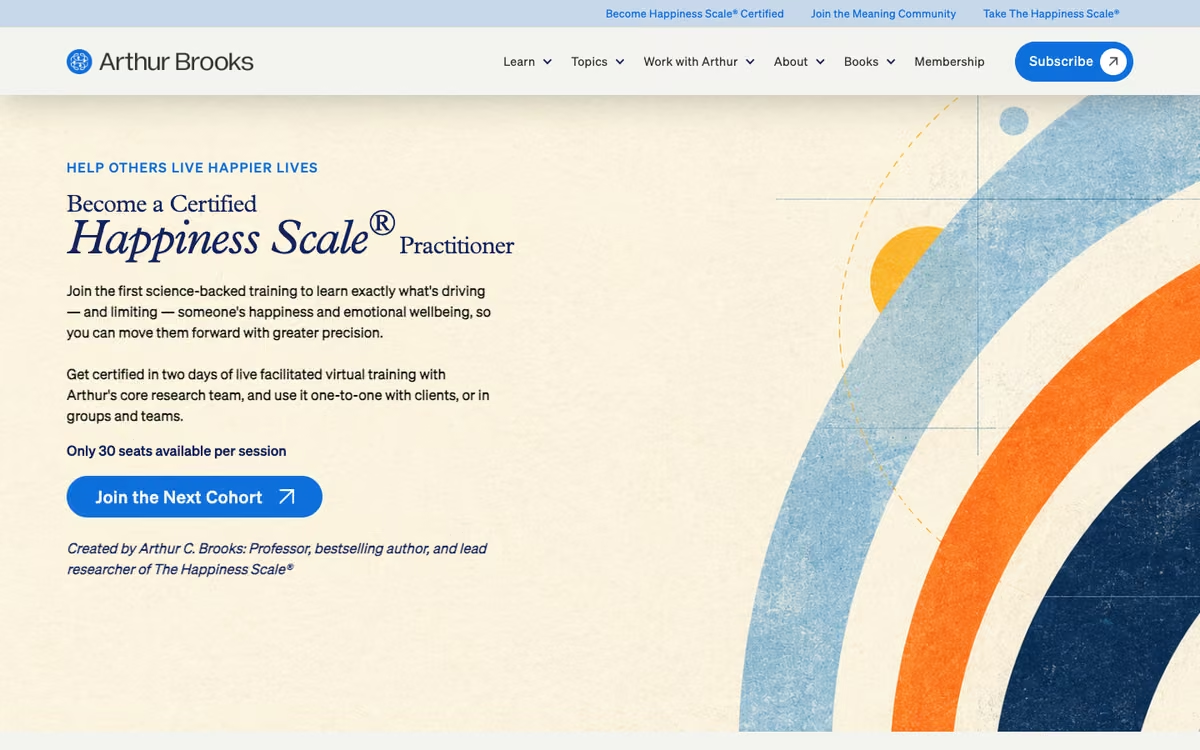
I’ve completed projects for more than 300 clients on Fiverr and worked on websites for notable authors and speakers, including Arthur C. Brooks and Matthew Griffin. The answers below are the ones I give my own clients.
How do you create a personal website?
To create a personal website, start with your personal brand, not your domain. Gather a few websites you like, set your logo, fonts and colors, register your domain and plan your pages. Then design, build, test and publish. With me, a simple five page personal website starts from $650 one time, plus about $203 a year for your domain and hosting.
What is the first step in creating a personal website?
The first step is getting clear on you and your personal brand. Branding comes next, then your domain, then a plan of your pages. The design and build follow, and hosting comes last because it is part of your website platform plan.
“I’m an author and I’d like a website that shares some basic information about my book, with an Amazon purchase link. Do I get the design done first? My branding, a logo, a domain, hosting? What is the first step?”
How I do it with my clients
Find your inspiration
Please start by looking at a few personal websites for inspiration, then share the ones you like with me.
Set your branding
We get your logo, fonts and colors ready first, so every page that follows feels like you.
Register your domain
You can buy it from GoDaddy or any provider you prefer. I usually suggest GoDaddy, because it connects to Webflow in a few clicks when it’s time to go live.
Plan your sitemap
A sitemap is simply the list of pages on your website, such as Home, About, Books and Contact.
See your first draft
I design and build your homepage, then share a staging link, a preview address like yourname.webflow.io. You can try it on desktop, tablet and mobile.
Revise until you love it
I offer unlimited revisions on the homepage. We keep refining it together until you are 100% happy, and then we finalize it.
Build the other pages
With the homepage approved, the remaining pages are built in the same style, one by one.
Move it to your account
I transfer the finished website to your own Webflow account, so you have full ownership of it.
Test everything
We check every form and link, and do a final visual check on each screen size, so everything runs properly.
Connect and go live
Your domain is connected to the website, and your personal website is live for the world to see.
Learn to manage it
I provide video walkthroughs that show you how to update text, images and links, and how to publish your changes.
It’s all yours
You own your website and know how to keep adding to it. If you’d ever like a hand, I’m always happy to help.
How do I make my personal website unique?
Begin with what makes you different: your story, your audience and your work. Collect a few references you like, then shape them into something that is yours alone, not a copy of a template.
Every website I create is one of a kind, with its own imagery, layout and design. To make yours unique, please start by looking at what others in your field have built, and note what you like and what you would do differently.
Remember, you know your brand, your audience and your competition better than anyone. It starts with you.
Websites you admire
A few links are plenty. Please tell me what you like about each one.
A pen and paper sketch
A quick drawing of your idea is enough for me to shape into a design.
Any other reference
Anything that shows your taste helps, and I’ll create something from it.
Which platform is best for a personal website?
It depends on who will build it and how much upkeep suits you. Webflow, WordPress, Squarespace, Wix and Framer can all make a good personal website. I build in Webflow, because it gives you a custom design with very little upkeep.
Webflow
WordPress
Squarespace
Wix
Framer
Still not sure?
Tell me what you’d like your site to do and I’ll suggest the platform I’d choose in your place. There is no obligation at all.
How much does a personal website cost?
With me, a simple five page personal website starts from $650 one time. After that, your domain and hosting come to about $203 a year, or you can pay for hosting monthly at $25 a month.
Website design and development
Five pages from $120 each, with 5 to 7 sections per page, a unique design and a contact form, plus $50 for on-page SEO and AEO.
Logo, branding and content
Your logo, fonts and colors, plus the words for your pages. You share your notes and I write them up for your website.
Domain name
Your address on the web, like yourname.com. GoDaddy often discounts the first year for new customers.
Hosting
Webflow’s Basic plan keeps your website online, with hosting and security looked after for you.
My prices start from $120 per page. Complex integrations, custom development or sections that take longer to build are priced individually, and I always send a clear, no-obligation quote before anything starts.
Can I pay for hosting yearly or monthly?
$15 a month
$25 a month
Can I start small?
Yes. You can begin with a single page from $120 and add more pages whenever you’re ready. Webflow’s Basic plan allows up to 300 pages, so there is plenty of room to grow.
When would I need to upgrade?
If you’d like a blog, or another collection you add to often, Webflow’s Premium plan includes a CMS. It is $25 a month, billed yearly.
Other costs you might run into
Renewal prices
A discounted first year is common for domains. Please check the renewal price too. At GoDaddy, a .com renews at about $23 a year.
Professional email
An address at your own domain, so your emails match your website. Google Workspace starts at $7 per user a month on a yearly plan.
Tools that grow with you
Booking tools and newsletter apps often start free and begin to charge as your audience grows.
Changes and new pages
You can make changes yourself at no cost. If you’d like me to make them, website maintenance starts from $30 an hour.
Can I update my personal website myself?
Yes. On Webflow you can change your text, swap an image, update a link such as your Amazon purchase link and publish the change yourself, without any code. You can add a new page later too.
Video walkthroughs
I provide video walkthroughs that show you, step by step, how to look after your own website. You can pause, replay and follow along whenever you need to.
Your style guide
Every website I build comes with a style guide: one page that holds your colors, fonts, heading sizes, buttons and other building blocks. It is the source of design truth for your website.
What if I want to add a new page later?
Build it from your style guide
Duplicate an existing page or start a fresh one, then build it with the styles already in your style guide. Your walkthrough videos are there to help.
Ask me to build it
If you’d rather not do it yourself, please get in touch. Website maintenance starts from $30 an hour, and that includes additional pages.
Your plan can take it
Webflow’s Basic plan allows up to 300 pages, so a growing personal website rarely needs a bigger plan. A blog is the usual reason to upgrade.
A simple upkeep calendar
Every month
Every few months
Once a year
What about the photos, graphics and videos?
Original photos of you and your work are the best choice, because they build trust. If you don’t have them yet, your website can launch with free stock photos as placeholders, and you can swap them later in a few clicks.
Original photos
Your own photos are best for credibility. A real portrait and your real book cover help visitors trust you from the very first second.
Stock placeholders
We can use free stock photos from Pexels or Unsplash to hold each spot. Both allow free use on a website, including for business.
Keep it light and yours
Your logo and brand graphics come from the branding step. For video, I suggest hosting it on YouTube or Vimeo and embedding it, so your pages stay fast.
What to gather for an author website
How do I get found on Google and in AI answers?
Build your website on a clean technical foundation, answer real questions in plain words and keep your name, role and contact details consistent. Search engines and AI assistants read the structure of your pages before anything else.
This is 2026, and AI is now part of how people search. When I redesign older websites, I often find that the basic technical SEO was never set up.
A website today has two audiences: the people who visit it, and the search engines and AI agents that read it. I build every website for both.
Built into every website I make
Six habits that help once you’re live
Offer one clear next step
Decide the one action you’d like: book a call, buy the book or send a message. Then make that button easy to find.
Make your name easy to find
Use your full name in the page title and the first heading, and link to your site from every social profile, so a search for your name leads to you.
Show proof, not just promises
Testimonials, client logos, press mentions and real results help a new visitor trust you quickly.
Keep it fast on phones
Many of your visitors will arrive on a phone. Compress your images and keep each page light so it loads quickly.
Write for people and AI
Answer real questions in plain sentences and keep your name, role and contact details consistent, so search engines and AI tools describe you correctly.
Keep it alive
Add new work, update your bio and put your site in your email signature. A site that changes gives people a reason to return.
Quick answers to the questions my clients ask
Short, honest answers. If yours isn’t here, please send it through the form and I’ll reply personally.
What is the first step in creating a personal website?
The first step is getting clear on your personal brand: who the website is for and what you would like visitors to do. After that comes your branding (logo, fonts and colors), then your domain name, then a plan of your pages. The design and build follow, and hosting comes last because it is part of your website platform plan.
How much does a personal website cost?
With me, a simple five page personal website starts from $650 one time. That is five pages from $120 each, with 5 to 7 sections per page, a unique design and a contact form, plus $50 for on-page SEO and AEO. Running the website costs about $203 a year: about $23 for a .com domain at GoDaddy and $180 for Webflow hosting.
How much do you charge per page?
My prices start from $120 per page, and each page includes 5 to 7 sections. Logo, branding and content are optional and typically $150. Complex integrations, custom development or sections that take longer to build are priced individually, and I always send a clear, no-obligation quote before anything starts.
Can I pay for hosting monthly instead of yearly?
Yes. Webflow’s Basic plan is $15 a month when it is billed yearly, which is $180 a year, or $25 a month when it is billed monthly. Some of my clients choose the monthly plan to keep the first bill small.
Can I start with one page and add more later?
Yes. You can start with a single page from $120 and add more pages whenever you are ready. Webflow’s Basic plan allows up to 300 pages, so there is plenty of room to grow.
Will I be able to update the website myself?
Yes. You can change text, swap images, update links such as your Amazon purchase link and publish the changes yourself, without any code. I provide video walkthroughs that show you each step.
What is a website style guide?
A style guide is one page that holds your website’s colors, fonts, heading sizes, buttons and other building blocks. Every website I build comes with one. It is the source of design truth, so any new page you add matches the rest of your site.
Do I own my website when it is finished?
Yes. When the pages are built, I transfer the website to your own Webflow account, so you have full ownership of it. You buy your domain yourself, so that stays in your name too.
How many revisions do I get?
I offer unlimited revisions on the homepage. We keep refining it together until you are 100% happy, and only then do we move on to the other pages.
Which platform is best for a personal website?
It depends on who builds it and how much upkeep suits you. Squarespace and Wix are the easiest to start on your own, Framer and Webflow give the most design freedom, and WordPress is strongest for frequent blogging. I build personal websites in Webflow because it combines custom design with very little upkeep.
Where should I buy my domain name?
You can use any domain provider you like. I usually suggest GoDaddy, because it connects to Webflow in a few clicks when it is time to go live. A .com there renews at about $23 a year, and the first year is often discounted.
Do I need professional photos for my website?
Original photos are best for credibility, but you don’t need them on day one. Your website can launch with free stock photos from Pexels or Unsplash as placeholders, and you can swap in your own photos later.
Will my website show up on Google and in AI answers?
No one can promise a ranking. What I can do is build your website so that search engines and AI assistants can read it easily, with clear headings, page titles and descriptions, fast pages and structured data. That gives you the best chance of being found.
Where these numbers come from
Every price is in US dollars and was checked on November 19, 2026. My own prices are current as of the same date. Plans and domain prices change often, so please confirm on the official page before you buy.
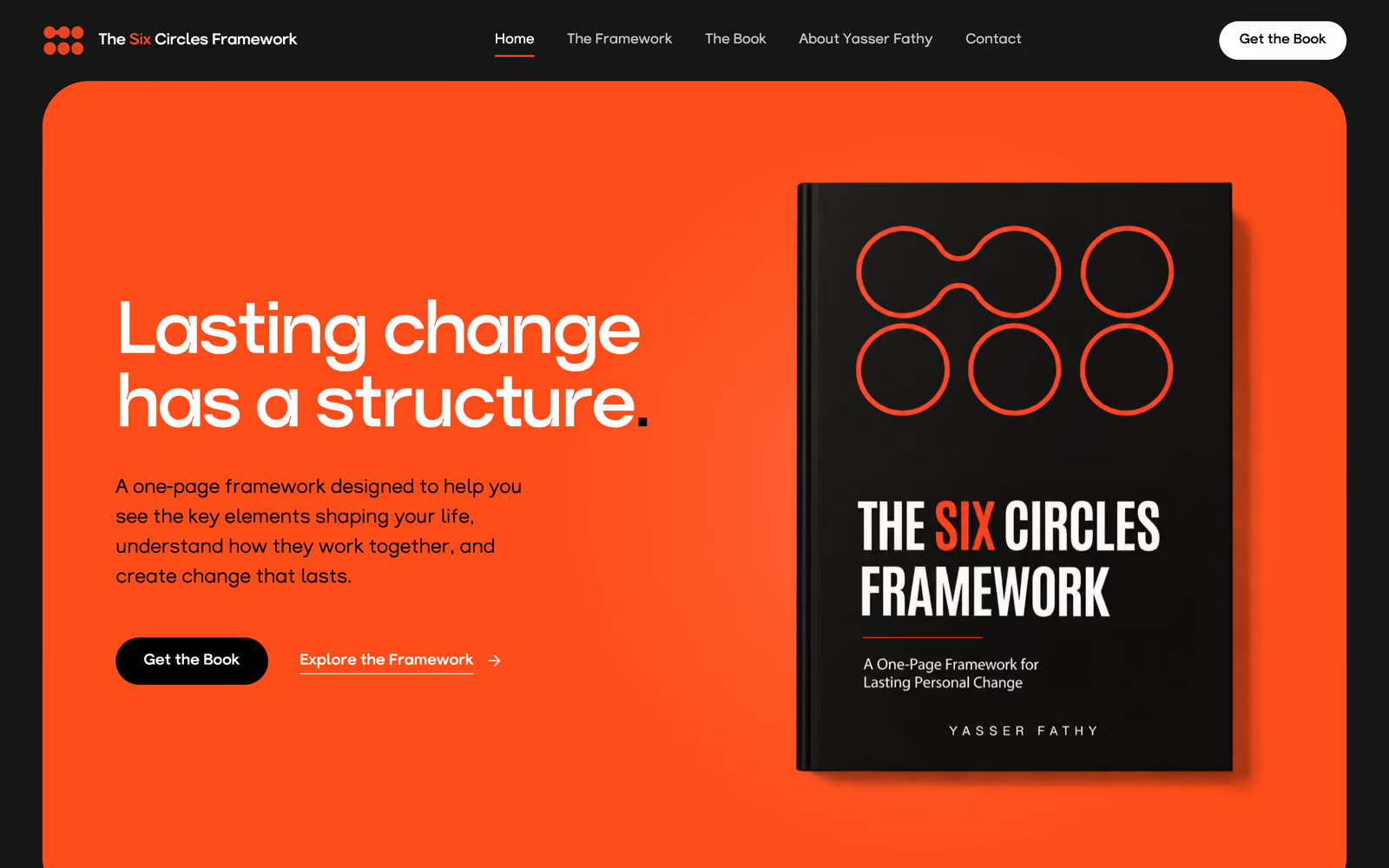
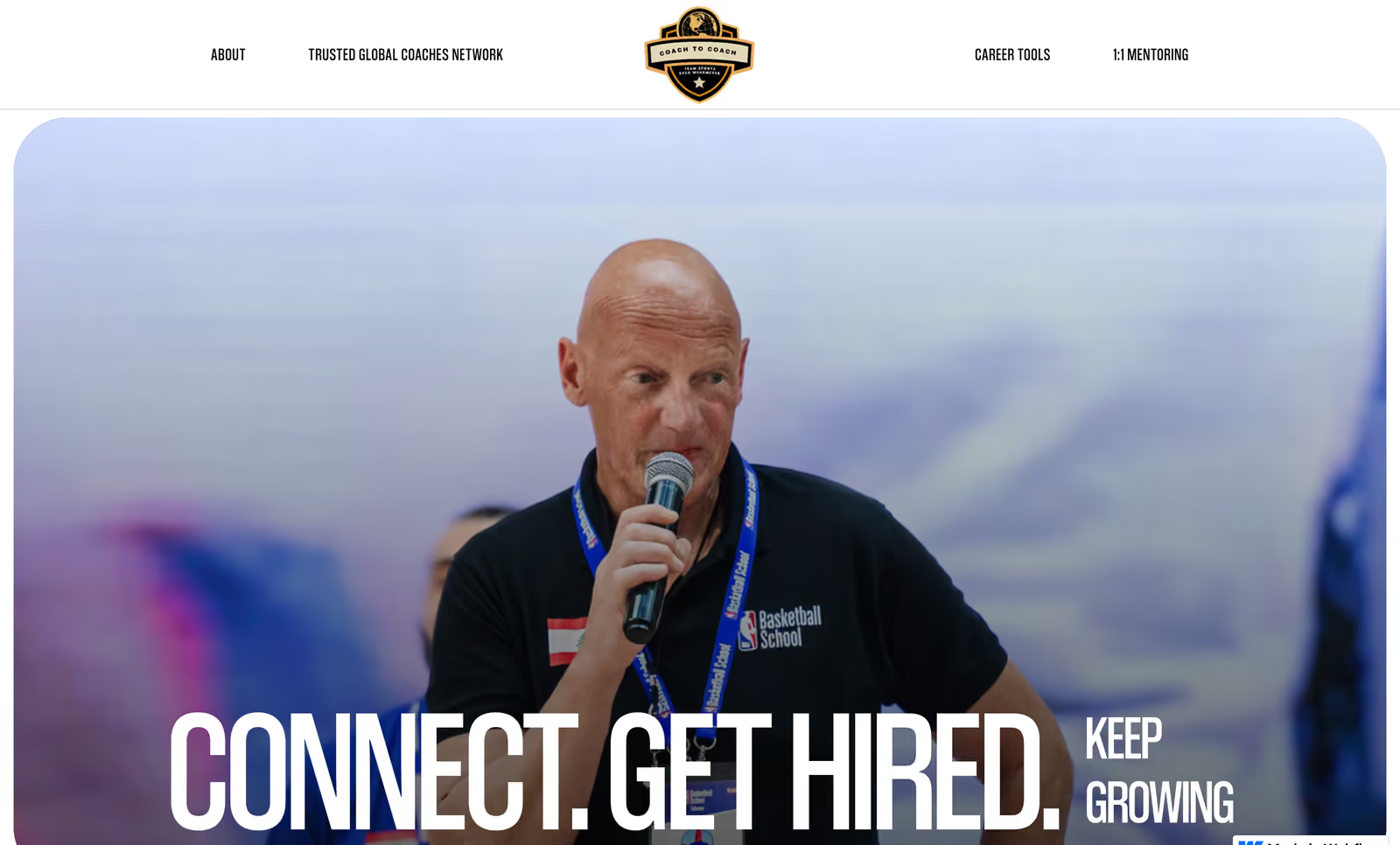
Personal websites I’ve designed and built
Would you like a hand with your personal website?
Tell me a little about yourself and what you’d like your site to do. I’ll reply personally with a free consultation and a clear, no-obligation quote.