
Coaching website design for Coach to Coach
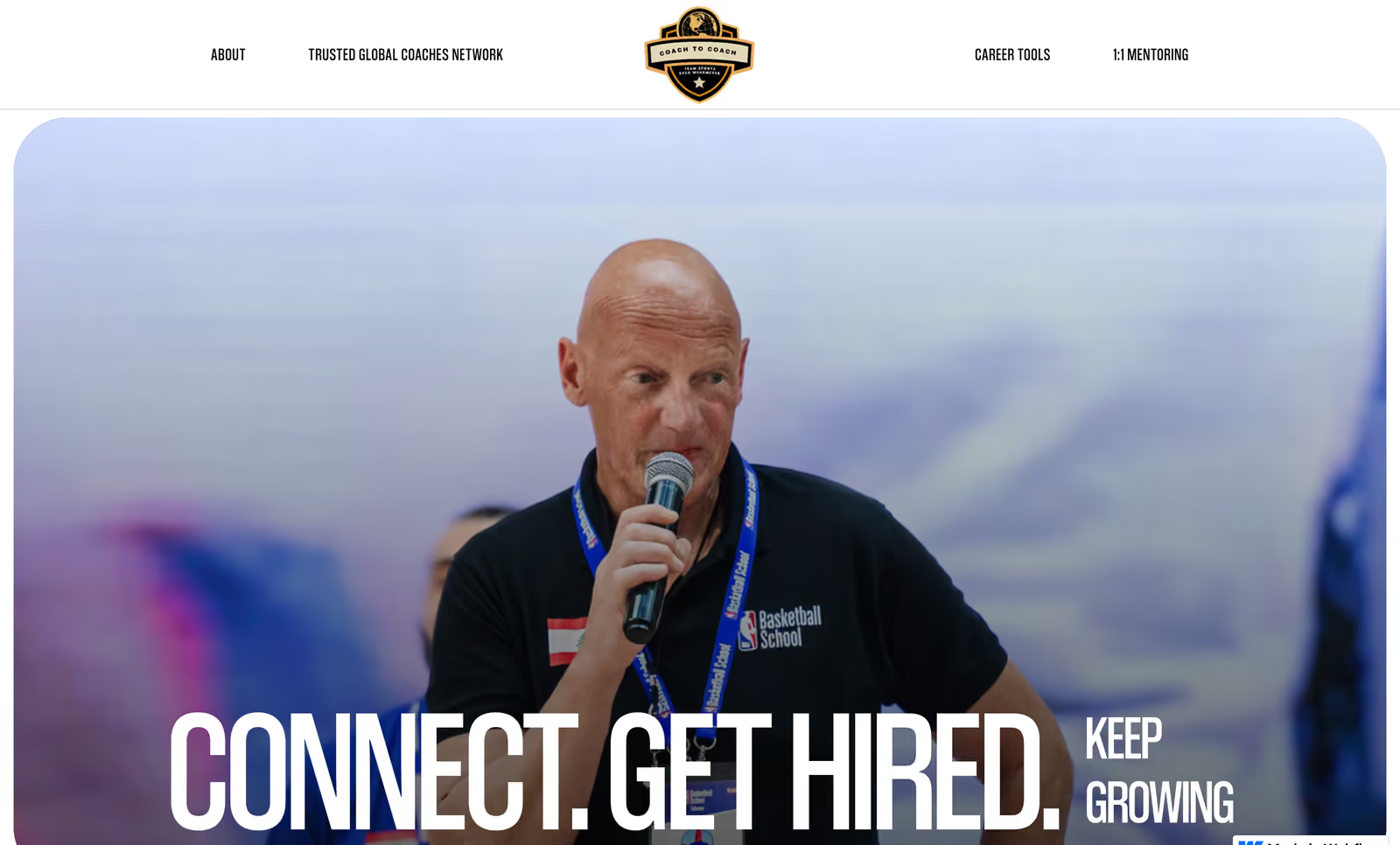
Coach to Coach helps basketball coaches connect, get hired and keep growing through career tools, 1:1 mentoring and a trusted coaches network. I designed and built the website in Webflow so every coach can find the right offer quickly and book a session.

What is the Coach to Coach website?
It is the website of Coach to Coach, a platform for basketball coaches founded by a former pro basketball player. I designed and built it in Webflow. It presents career tools, 1:1 mentoring and a trusted coaches network, shares the founder’s experience in numbers and invites coaches to book a session.
Three offers, one path to a conversation
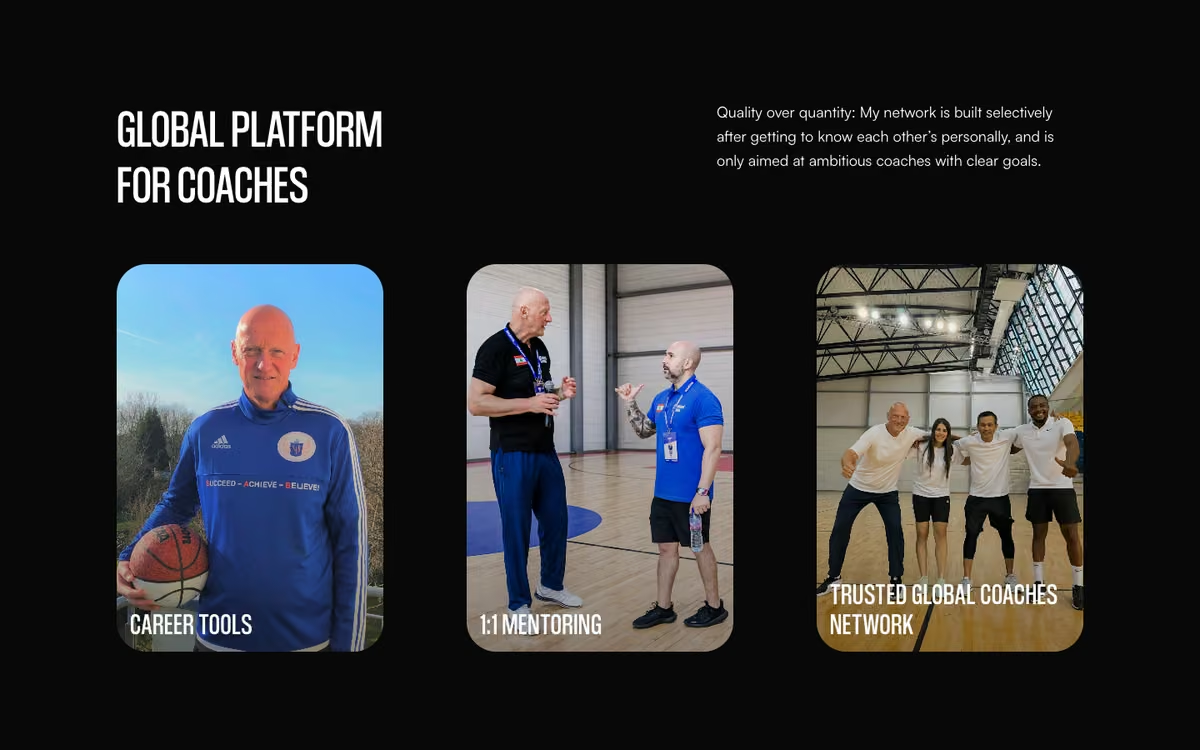
Coaches arrive with different goals. The homepage gives each goal its own door, then brings everyone back to the same simple next step.
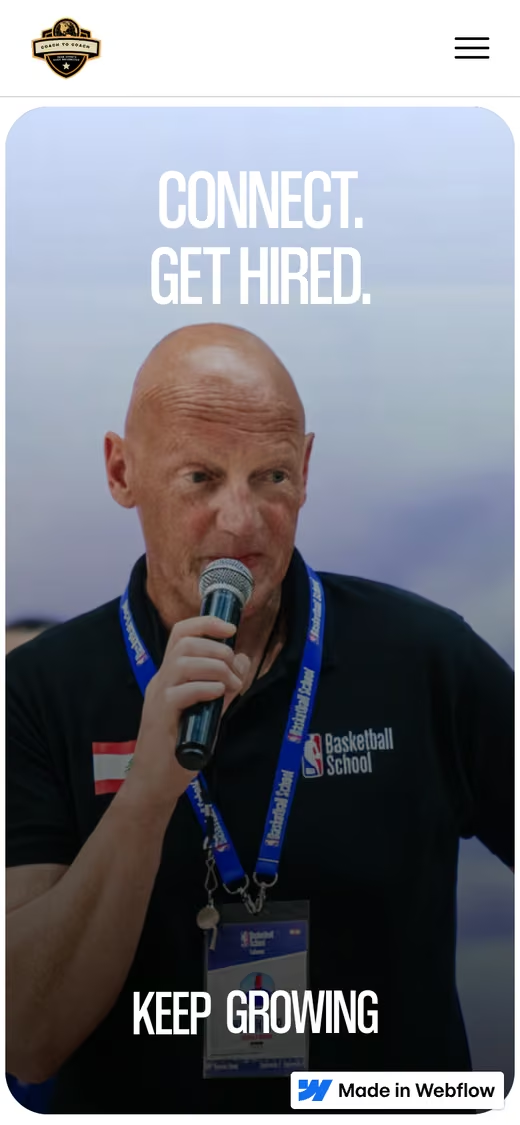
Connect. Get hired. Keep growing.
Career tools
Courses that help coaches grow their skills and their careers.
1:1 mentoring
Personal mentoring with an experienced coach.
Trusted coaches network
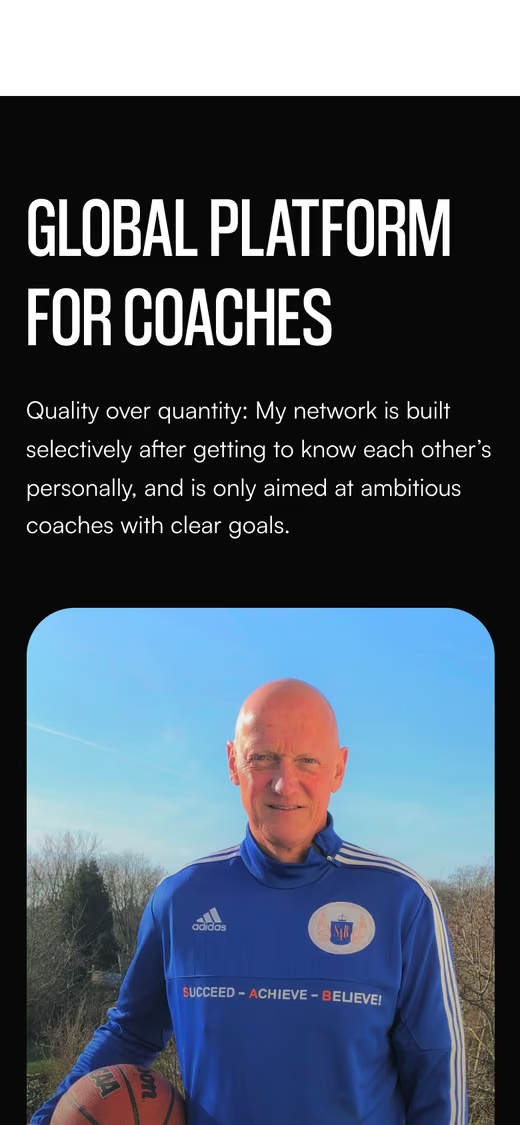
A selective network, built after getting to know each coach personally.
Book a session
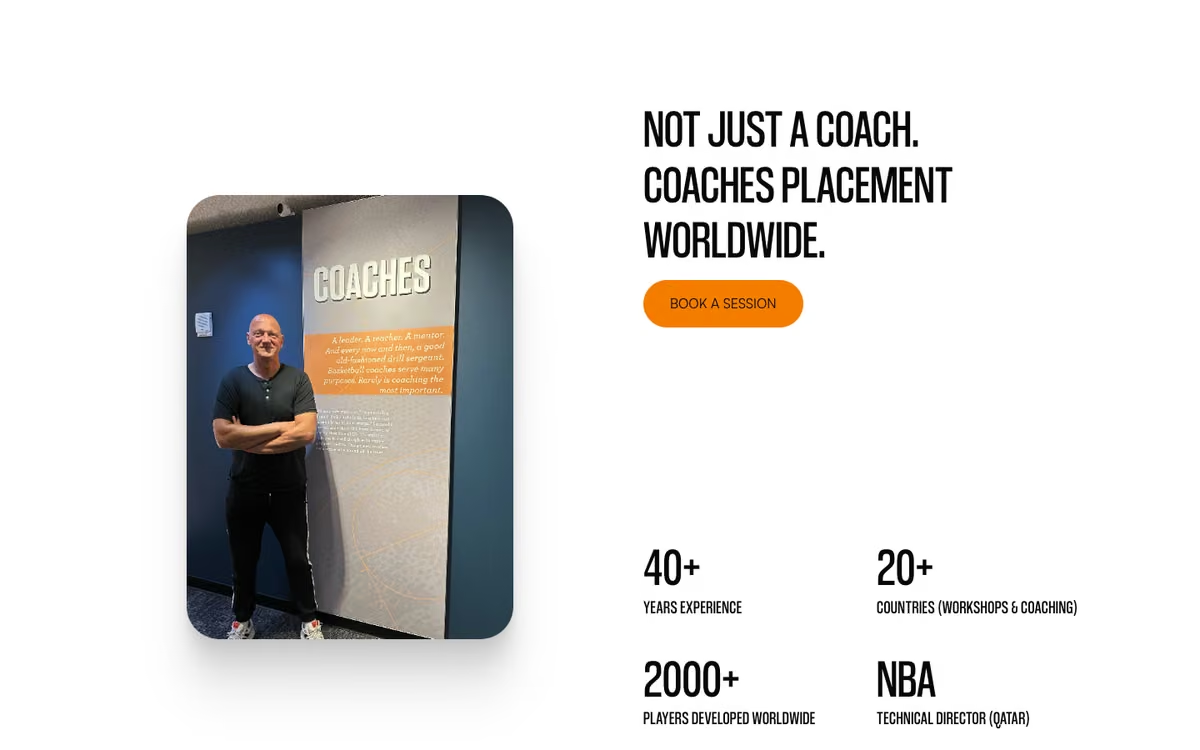
Experience, shown in numbers
Credibility matters when a coach chooses a mentor, so the founder’s experience sits on the homepage as a few numbers a visitor can take in at a glance.
Light on scripts, steady while it loads
A photo-led site can still feel quick. Lighthouse found very little JavaScript to slow a phone down, and almost no movement while the page loads.
Bold photography, simple choices
Real coaching photos, a dark backdrop and one bright button color keep every choice clear, from the first screen to the booking link.
What makes a good coaching website
If you are planning a website for your own coaching, these are the ideas from this project I would gently suggest trying.
Lead with the outcome
Tell people what they will gain before you explain how. Three words do it here: connect, get hired, keep growing.
Keep the offers few
Three clearly named offers are easier to choose from than ten.
Use real photos
Photos of real coaching build trust far faster than stock images.
Make the next step a conversation
A simple booking link feels friendly and low-pressure.
Coaching website questions
What should a coaching website include?
A clear outcome, your offers, your story, real photos, proof such as numbers or testimonials, and a simple way to book a call or a session.
Can one coaching website sell courses and mentoring together?
Yes. Giving each offer its own page keeps things clear, and the homepage can guide each visitor to the right one, as this site does with career tools, mentoring and the coaches network.
How many offers should a coaching website show?
As few as you can. Three well-named offers are easy to compare, and every extra choice slows people down.
Why use AVIF images on a coaching website?
AVIF files are much smaller than JPEG or PNG at the same visual quality, so photo-led pages load faster, especially on phones.
How much does a coaching website cost?
It depends on the pages and features you need, such as course pages, a booking link or a sign-up form. Please share a few details through the short form and I’ll reply with a clear, no-obligation quote.
More websites for coaches and experts
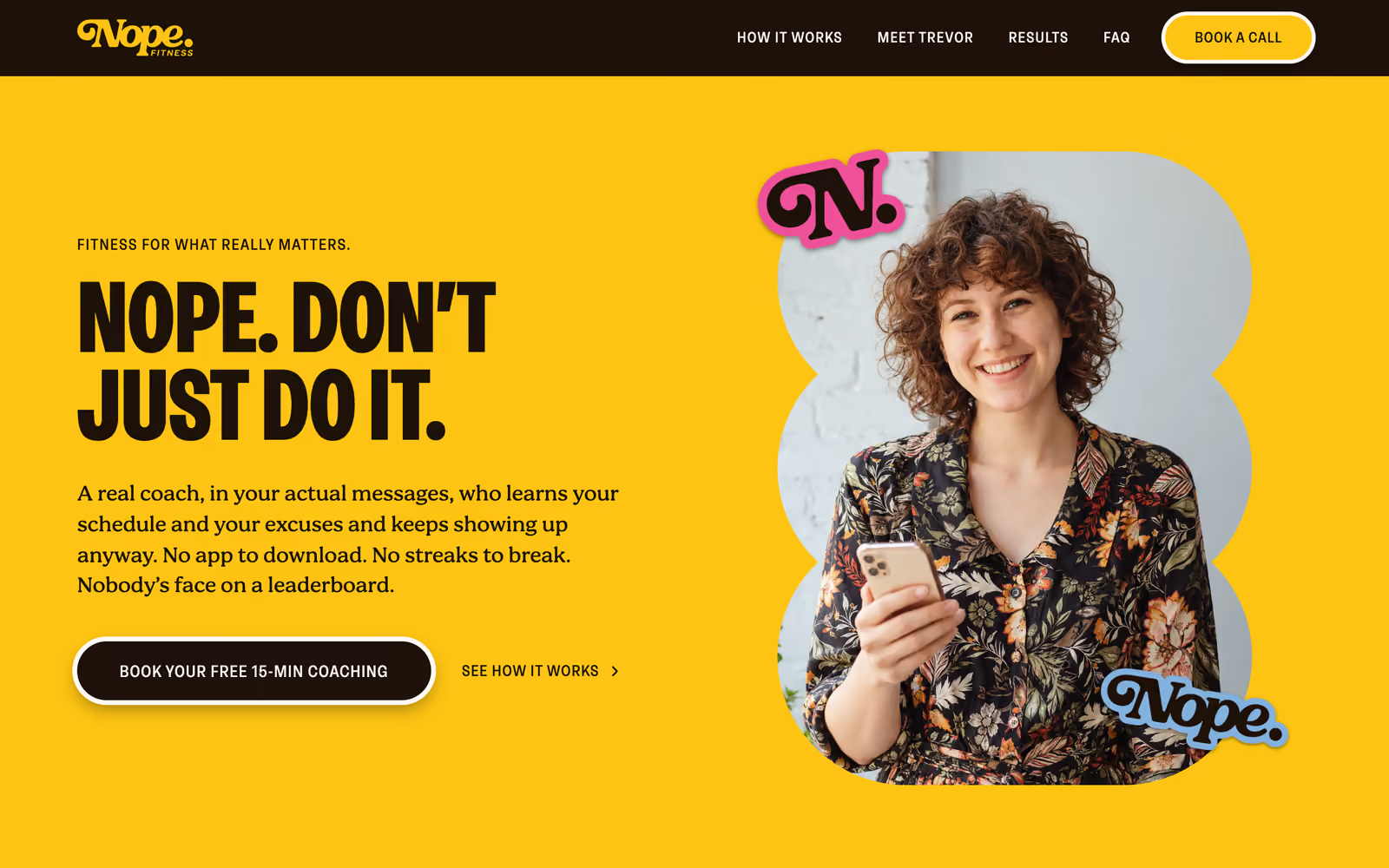

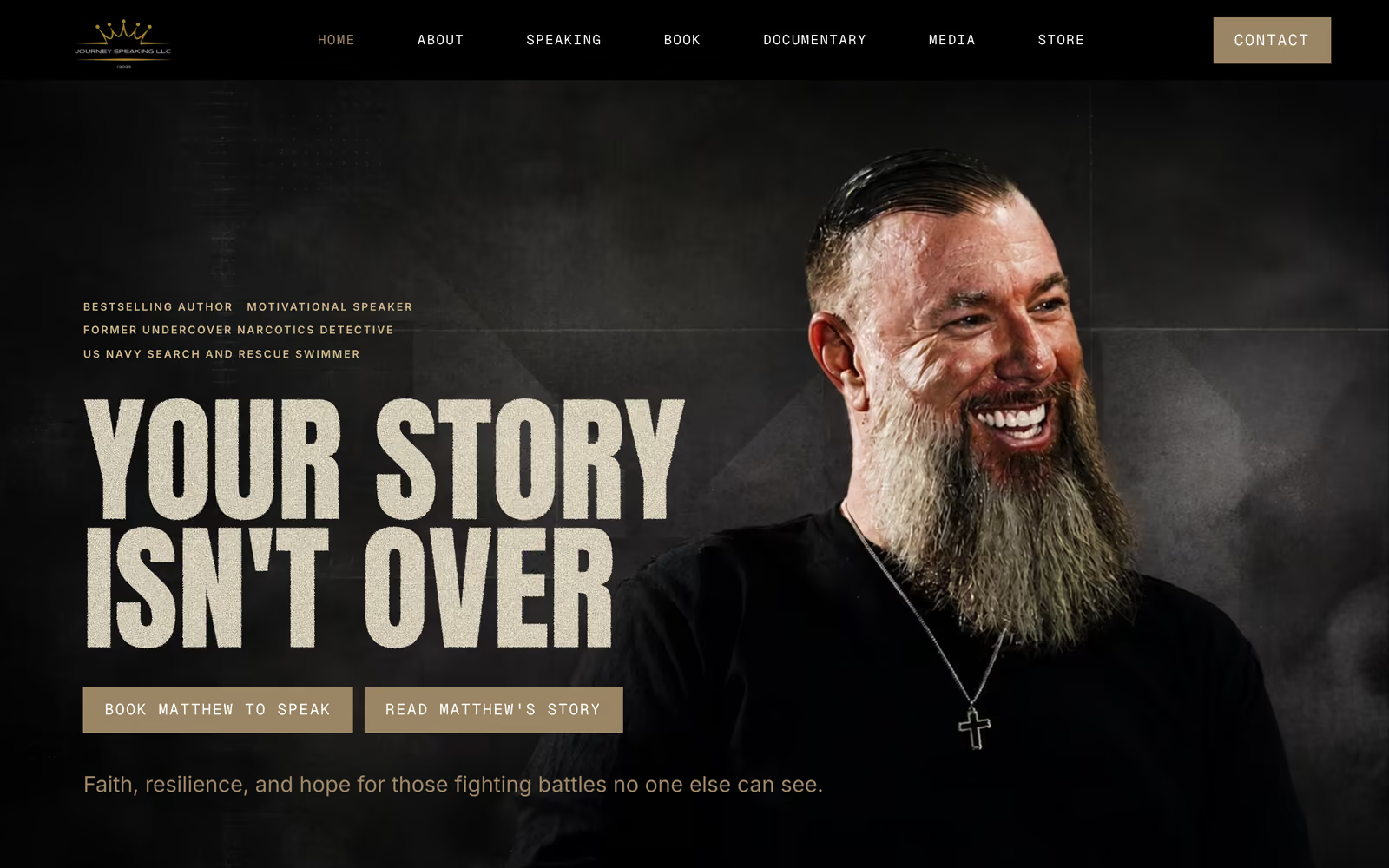

Would you like a coaching website that guides people to the right offer?
Please tell me about your coaching and the people you help. I’ll read it with care and reply personally with a clear, no‑obligation quote.